
How do I buy a ticket?
Open the event page, pick your ticket type and quantity, then pay by card. The price you see is the full price, with the booking fee and VAT (where it applies) already included.
Checkout, finding your tickets and getting in on the night.
Open the event page, pick your ticket type and quantity, then pay by card. The price you see is the full price, with the booking fee and VAT (where it applies) already included.
Signed-in buyers find every ticket under My Tickets in the account menu. We also email a confirmation straight after purchase.
No. You can check out as a guest. Signing in is recommended though, because your tickets then appear in My Tickets automatically.
Each ticket has its own QR code. Show it on your phone at the entrance and the organiser scans it. Each code can only be used once.
Where the organiser allows it, you can transfer a ticket from the ticket page in My Tickets. The old QR code stops working and your friend gets a new one.
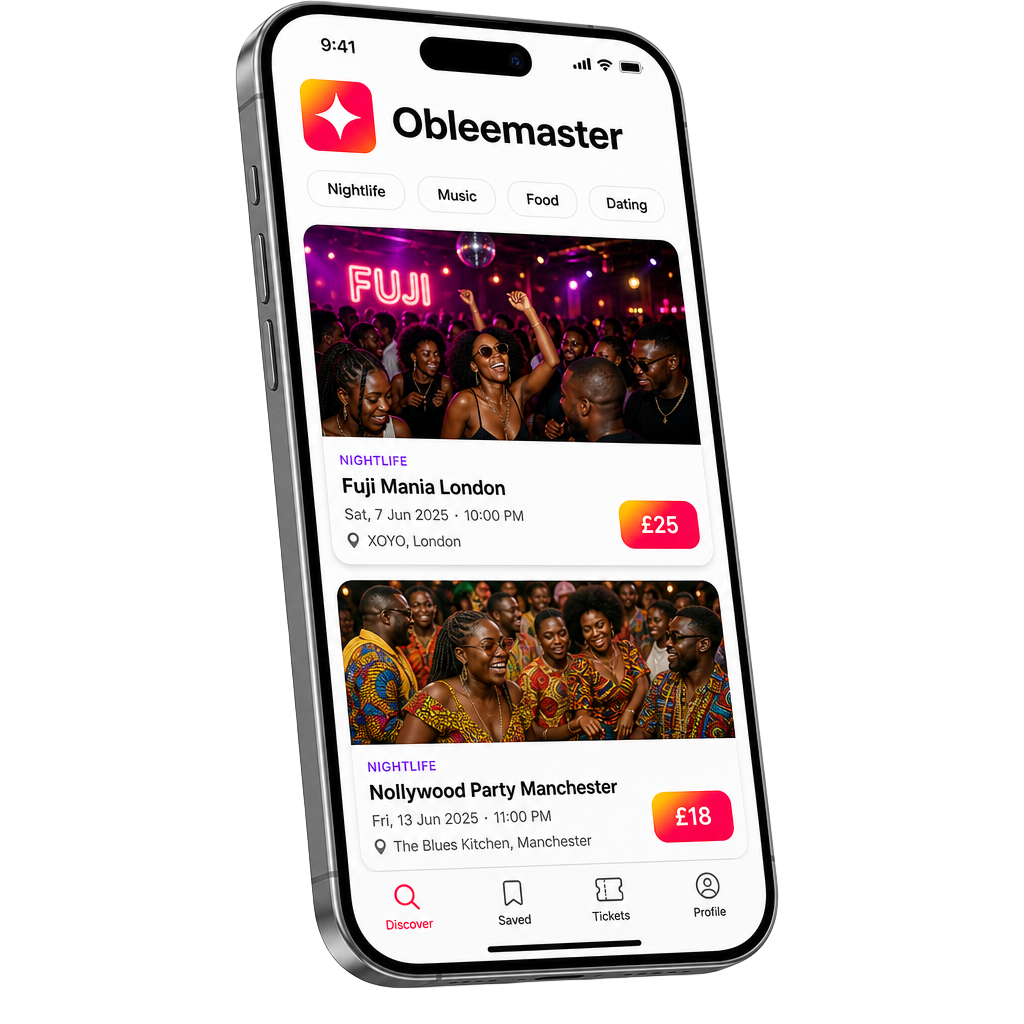
Coming to your pocket
Discover tonight's move, save the ones you love, and never miss a drop. Be the first to know when we go live.