
How do I list an event?
Choose Manage my events in the account menu, then create an event. A step-by-step setup walks you through details, date, venue, images and ticket types.
Listing your event, ticket types and managing sales.
Choose Manage my events in the account menu, then create an event. A step-by-step setup walks you through details, date, venue, images and ticket types.
Yes. You can edit details and add ticket types any time. Ticket types that have already sold cannot be deleted, to protect buyers.
Yes. Invite co-hosts from your event and they can help manage it.
Open your event and use the check-in screen to scan ticket QR codes at the door.
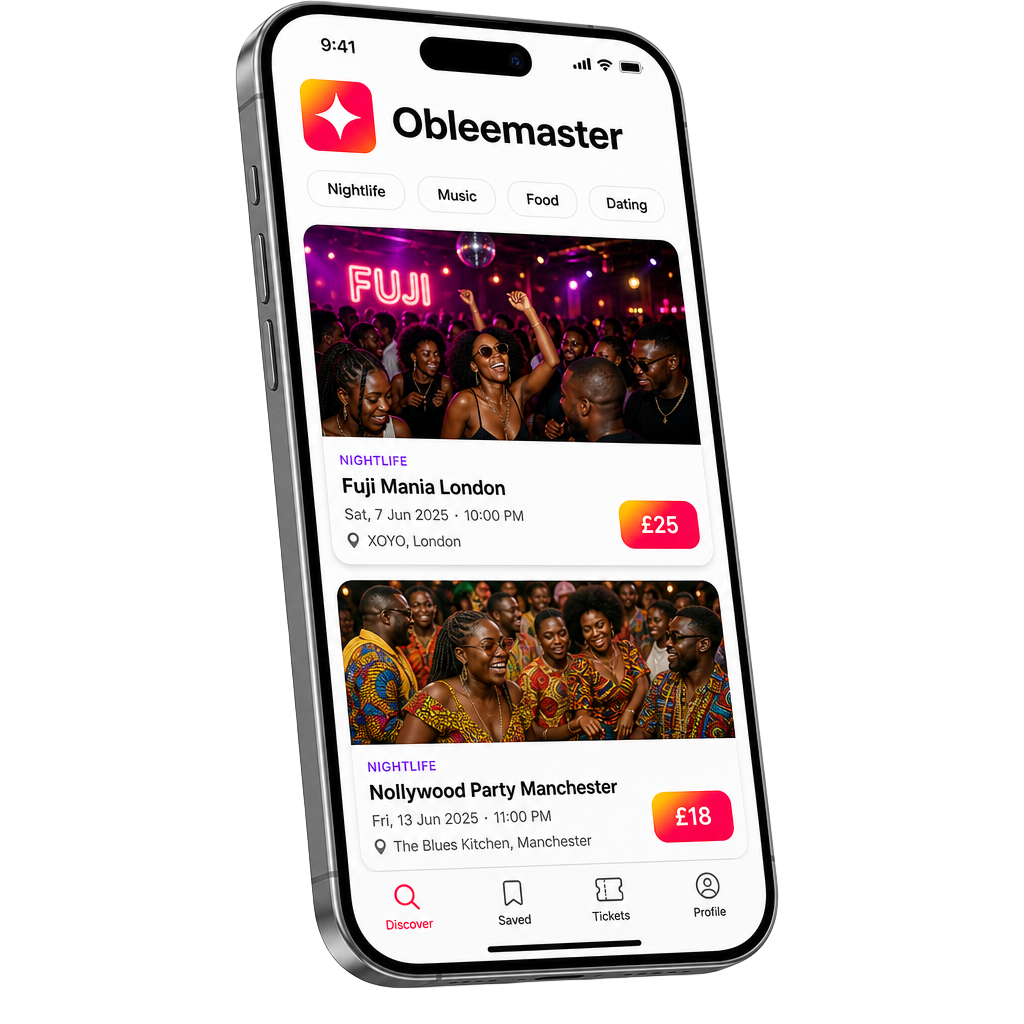
Coming to your pocket
Discover tonight's move, save the ones you love, and never miss a drop. Be the first to know when we go live.